To the SwiftUI developer who's tired of feeling like you're one feature away from everything falling apart…
Imagine adding a new feature and actually trusting your code. Not holding your breath waiting for something to break, not dreading the QA feedback, not wondering which part of your state just quietly fell apart.
Introducing:
The SwiftUI Handbook: Data Flow

Go from "it works but I don't know why" to building complex SwiftUI apps you understand, trust, and aren't afraid to grow
- No more spending days on a bug that moves somewhere else the moment you fix it
- No more copying patterns you don't understand and hoping they hold up in production
- No more shipping code you're secretly afraid to touch again
Stop fighting SwiftUI. Start building apps that last.
SwiftUI Was Supposed to Make Building Apps Faster and Easier ...
And for simple apps, it does.
Then you try to build something real.
Views update when they shouldn't. Views don't update when they should. State disappears between navigations. You fix one bug and two more appear. You go to the documentation, find the same three examples, search for answers and land on blog posts that contradict each other.
So you push through. You find workarounds. You ship. And somewhere in the back of your mind you start to wonder if SwiftUI is just like this.
The "Trust Me" Approach
SwiftUI is supposed to just work. Write your views, use the right property wrappers, follow the recommendations. The framework handles the rest.
That works until it doesn't.
When something breaks at scale, the recommendations give you nothing. Apple's answer has been to slowly expose more of the internals. The Attribute Graph. The @Observable macro. Last year, the Cause and Effect graph in Instruments.
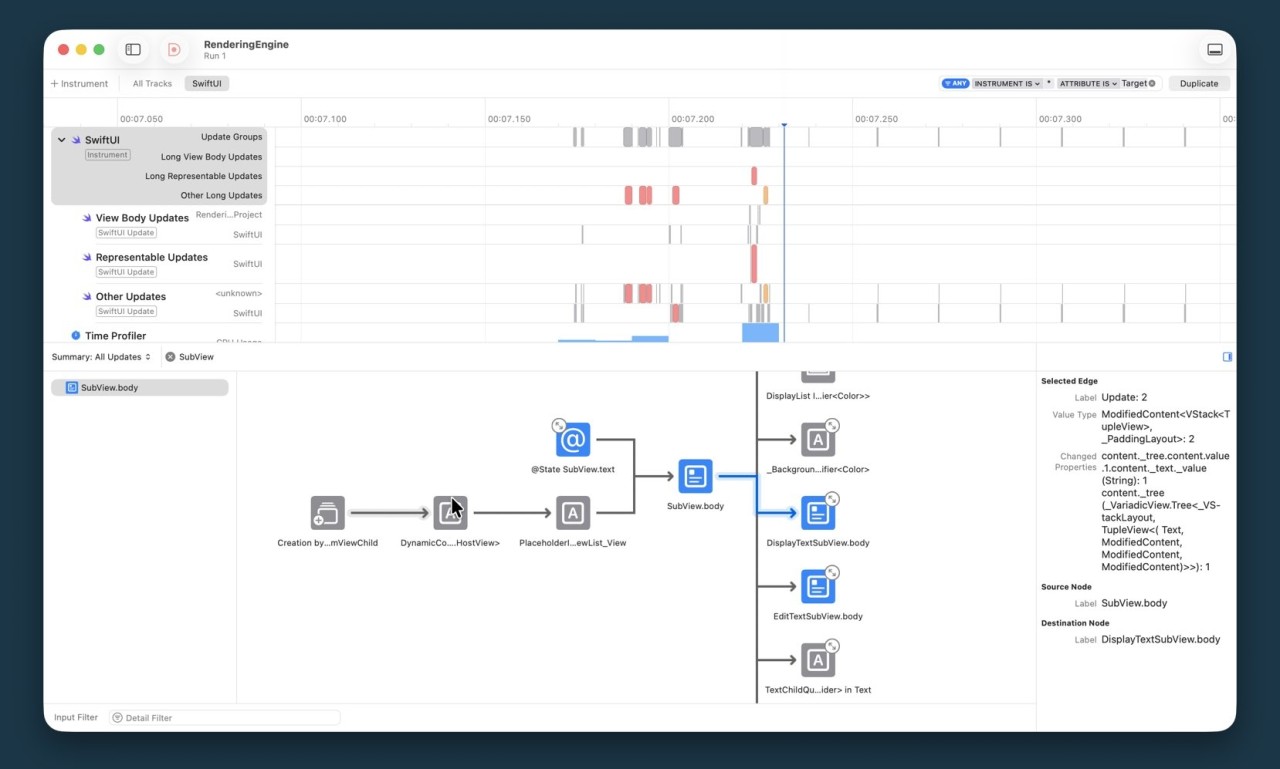
Now you are supposed to open that graph, read the symbols, spot the problems, and fix your code. Skipped updates. Invalidated nodes. When should you use @Observable over a struct with @State?
Nobody explains it. Apple sprinkles hints across WWDC sessions and expects you to connect the dots yourself.
I don't blame anyone who went back to UIKit. I dropped down to UIKit myself more than once. At some point I just got fed up.
This Took a While to Figure Out
I started pulling every thread I could find.
I went through every relevant WWDC session and extracted everything Apple let slip. The Instruments talks. The concurrency sessions. The render loop tech talks. None of them tell you the rules, but together they form a picture. I did that work so you don't have to.
That wasn't enough on its own.
I spent the years building and profiling multiple SwiftUI app with serious performance problems. When something didn't make sense, I isolated it, tested it, broke it on purpose, and tested it again. The physicist in me doesn't accept "it just works" as an answer. A lot of what ended up in this book came from tearing the framework apart until the behavior became predictable.
I also went through a lot of open-source SwiftUI projects on GitHub looking for solutions. Some of it was excellent. A lot of it wasn't. Patterns that looked fine in small apps but fell apart the moment things got complex. Seeing exactly where and how things break at scale turned out to be just as useful as finding what works.
I collected everything I could and put this book together. The information was too scattered and too hard to find to keep to myself.
Apple hasn't gone on record about a lot of this. That's precisely the problem this book solves.
What I can tell you is that the book doesn't just give you conclusions. It shows you the test code, walks you through what to look for, and explains what the findings mean for your production apps. So when SwiftUI changes something undocumented, you have the tools to figure it out yourself.
This Is What Shifts
Not just how you debug. How you design. How quickly you can look at broken code and know where the problem is. How you make architectural decisions without second-guessing every choice. How you open the Cause and Effect graph in Instruments and actually understand what it's telling you.
SwiftUI stops feeling unpredictable. The framework didn't change. You just finally understand how it thinks.
That's what this book gives you.
SwiftUI Handbook: Data Flow
The ~300 page manual Apple didn't write. For iOS developers building real production apps.
Get 30% Off
Expires September 30th!
Code: SEPTEMBERRESET
Chapter 1: The SwiftUI Rendering Model
Chapter 2: View Identity and Lifetime
Chapter 3: State Management
Chapter 4: View Lifetime Methods
Chapter 5: App Lifecycle (coming soon)
Chapter 6: Data Flow Patterns (coming soon)
Chapter 7: Performance and Optimization (coming soon)
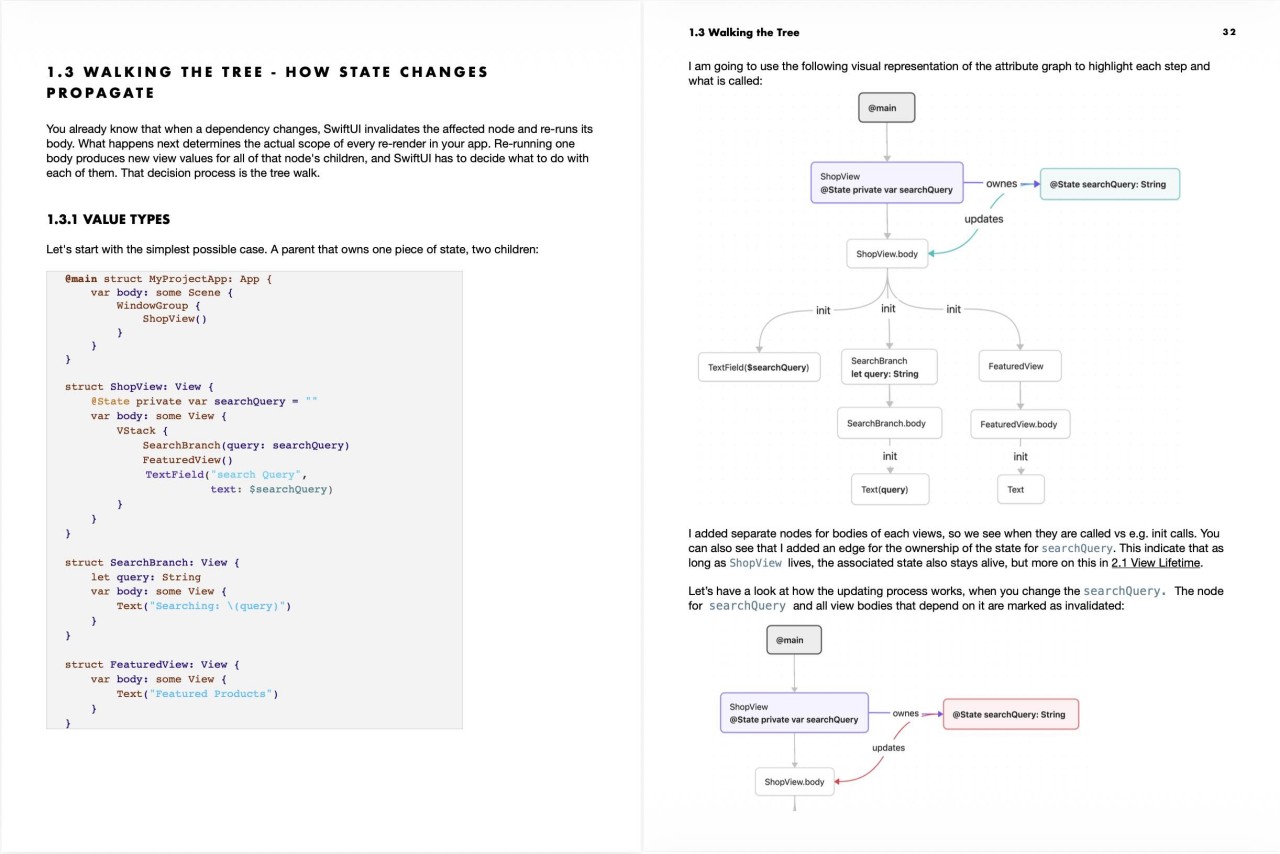
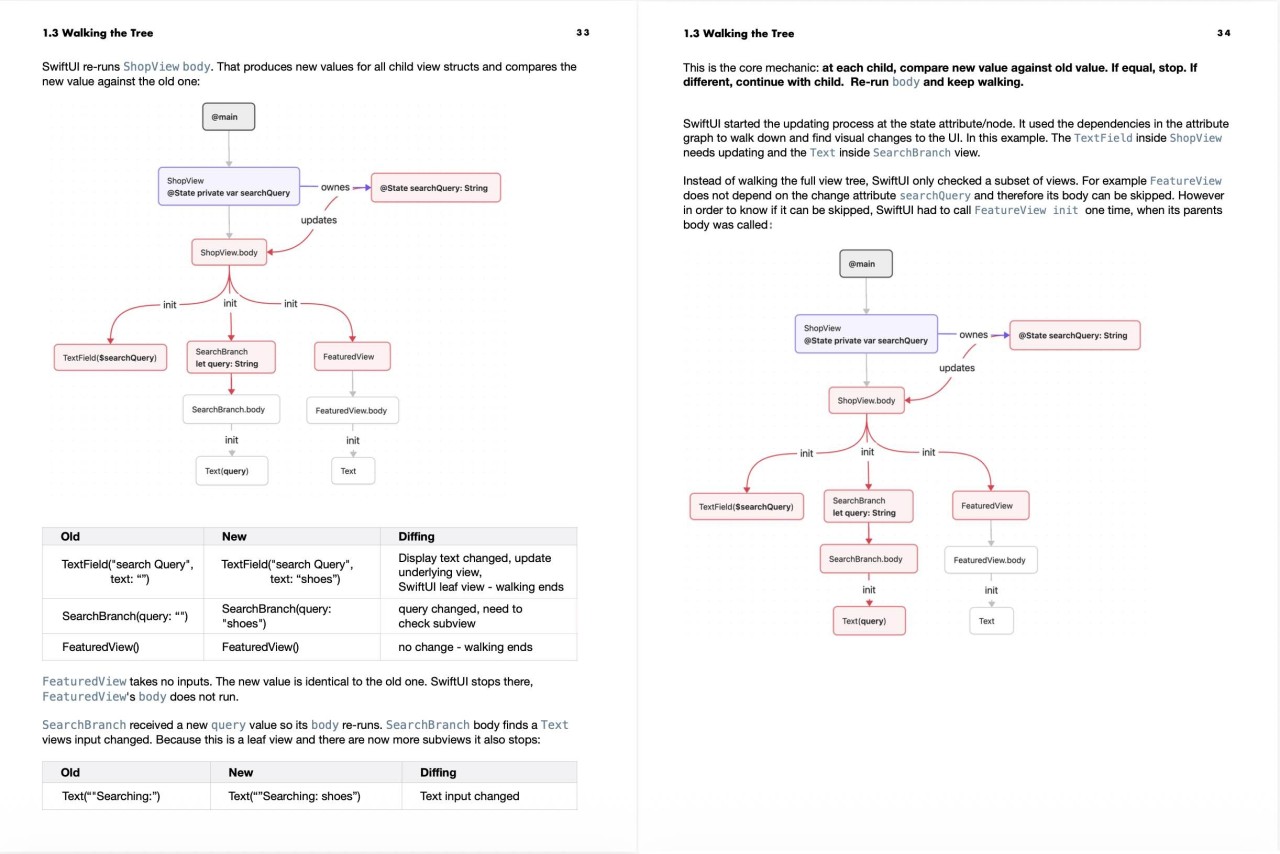
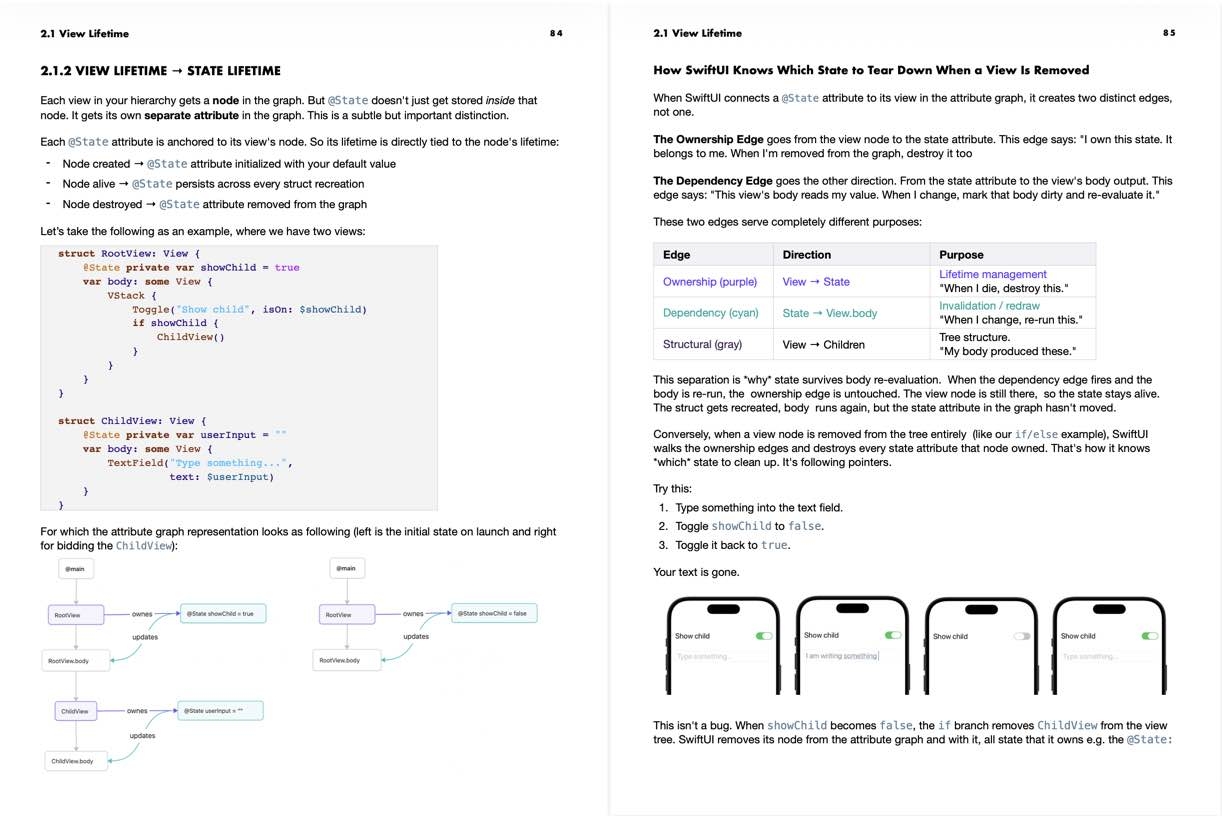
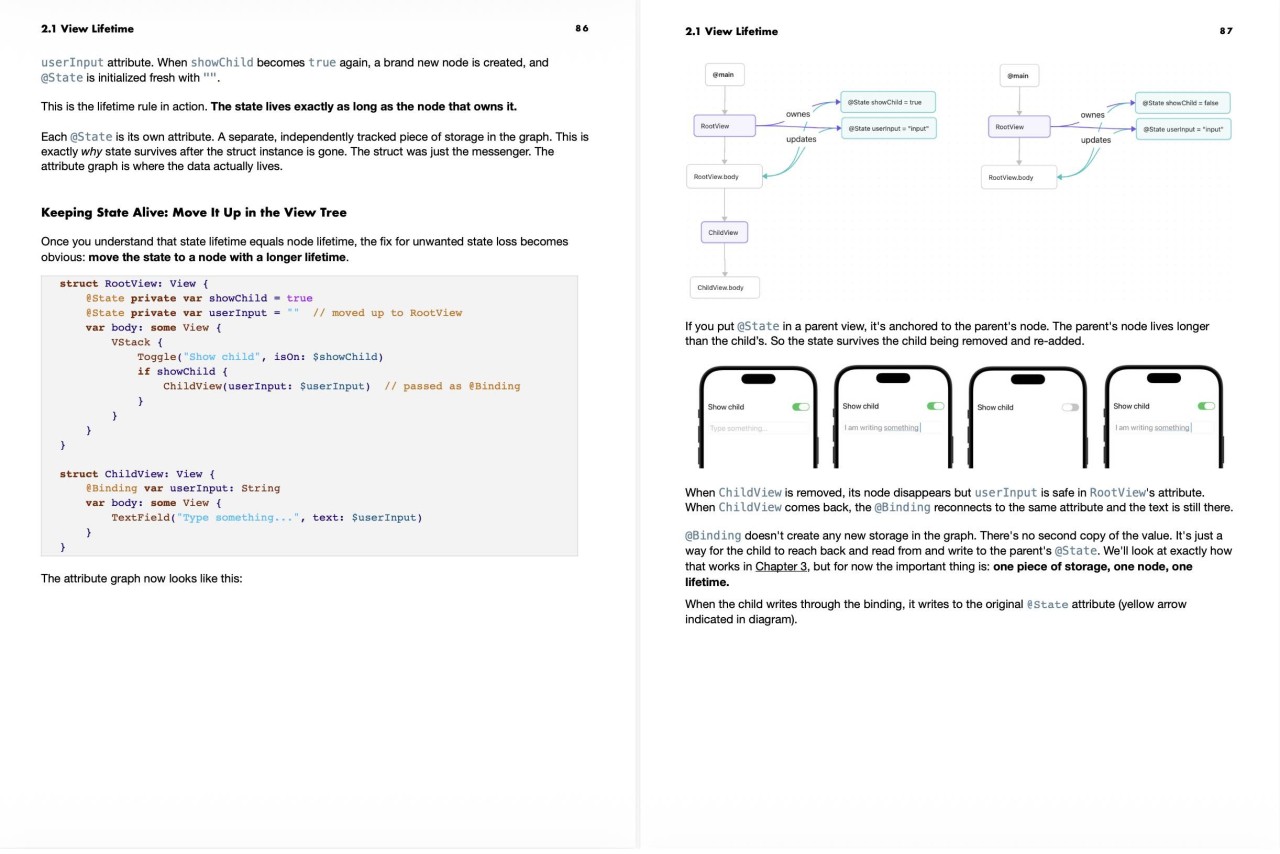
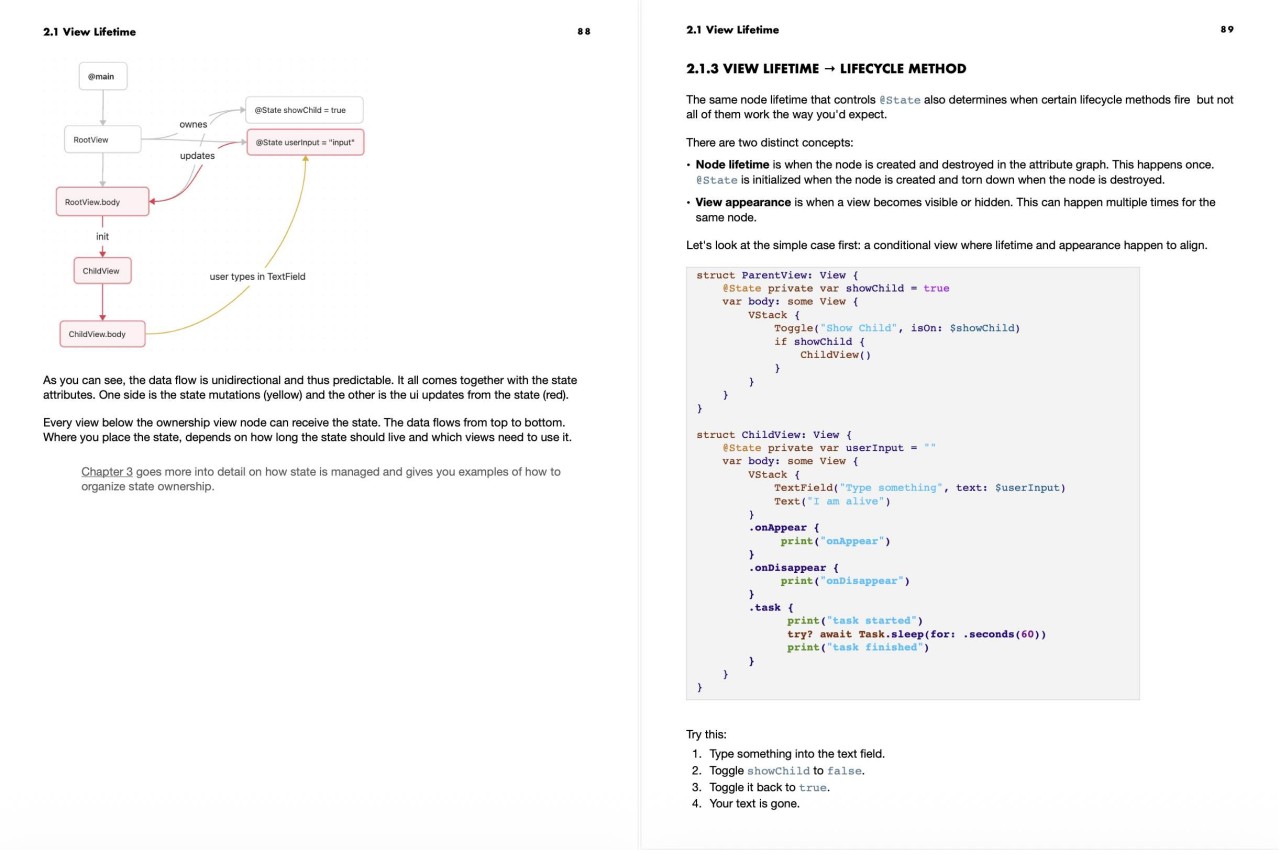
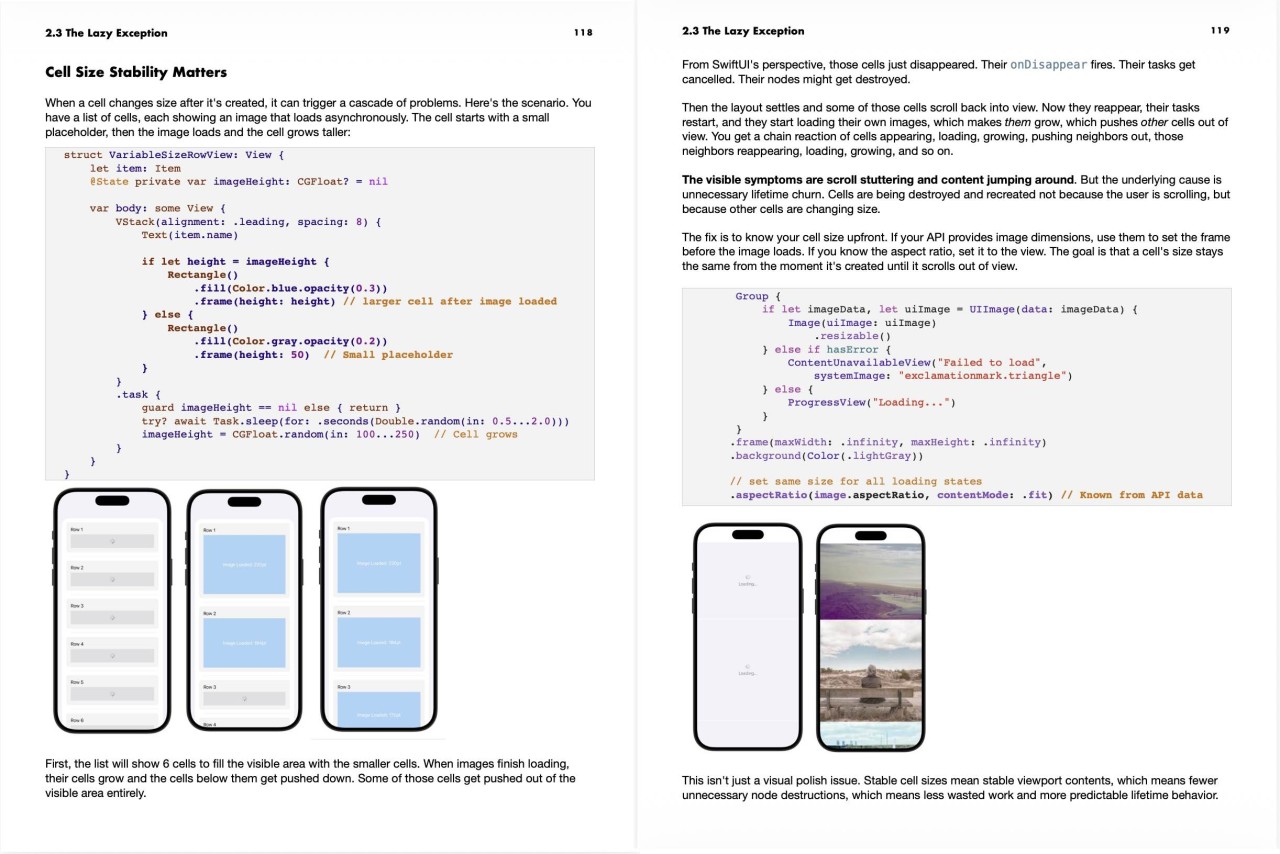
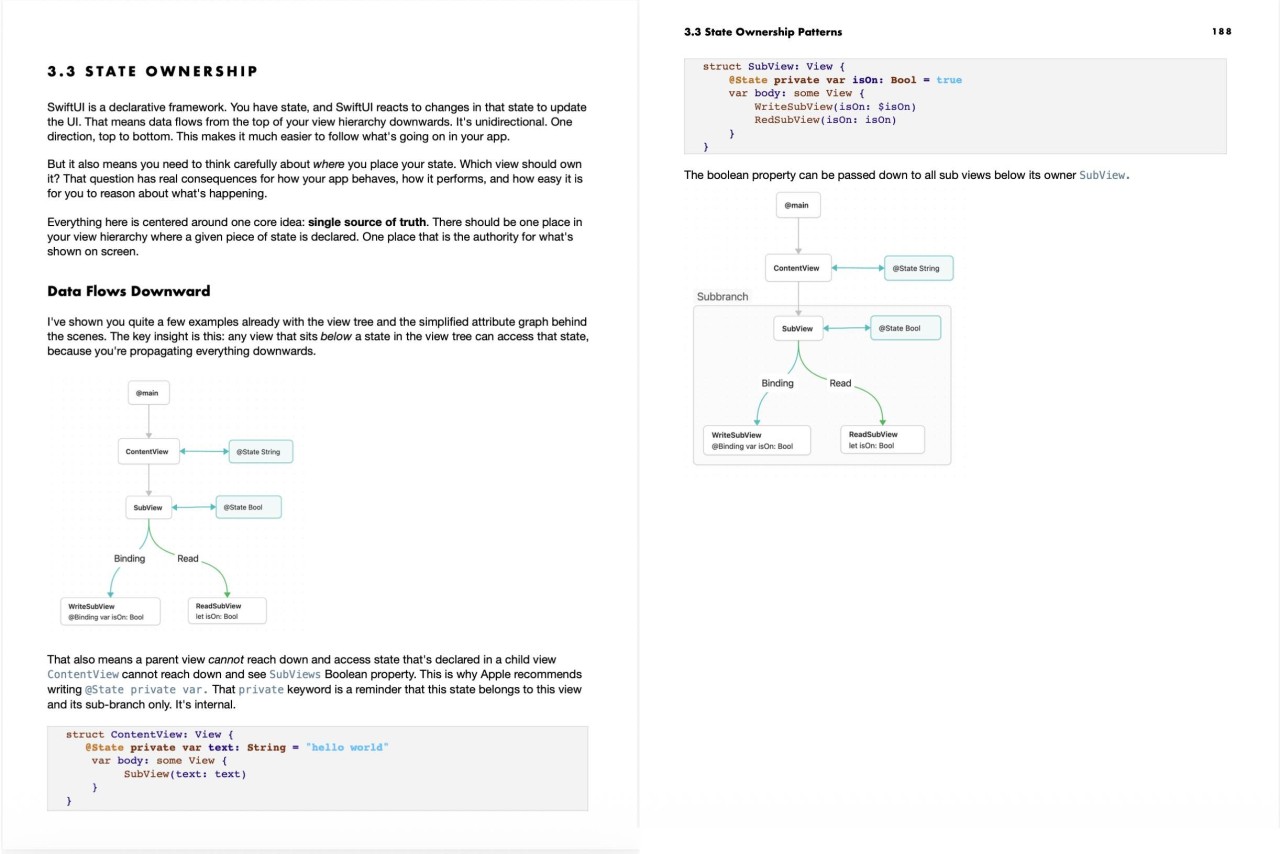
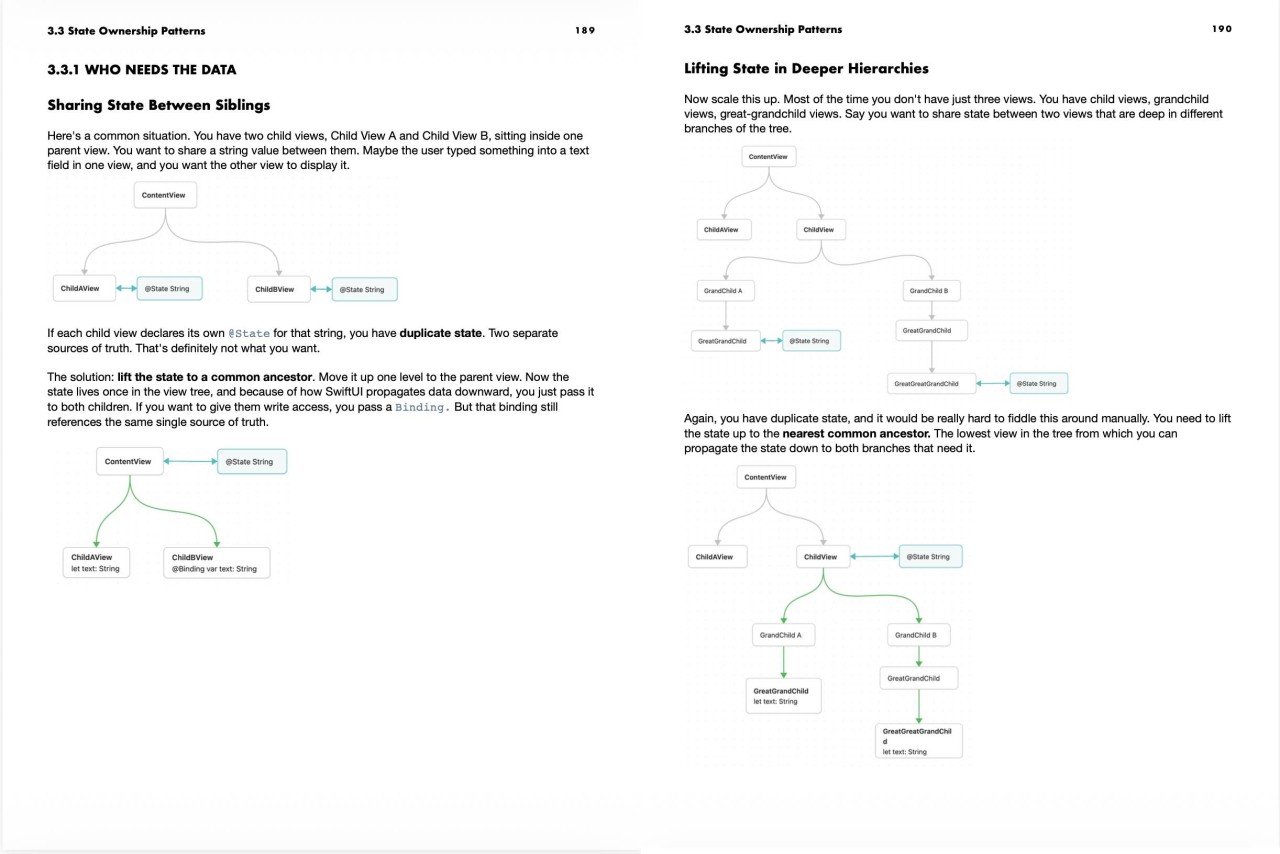
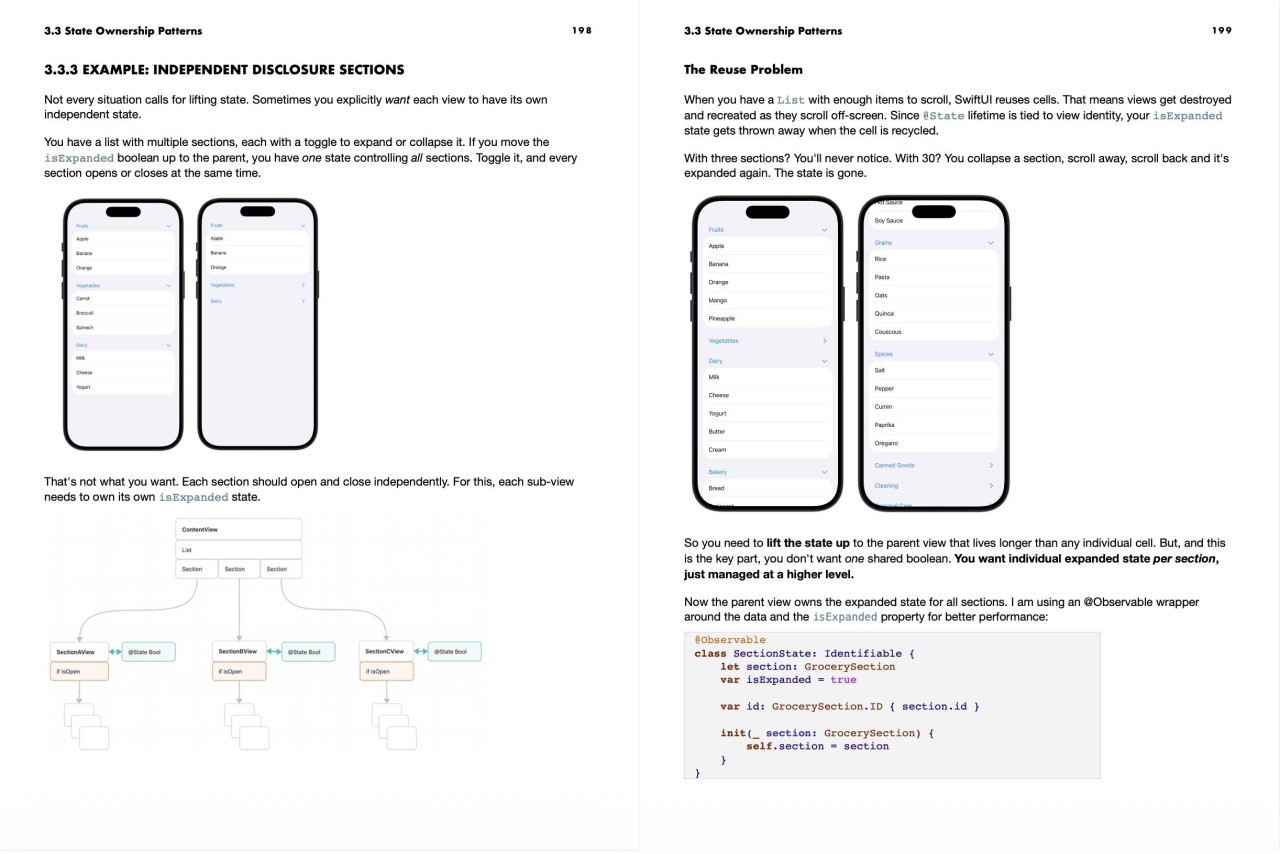
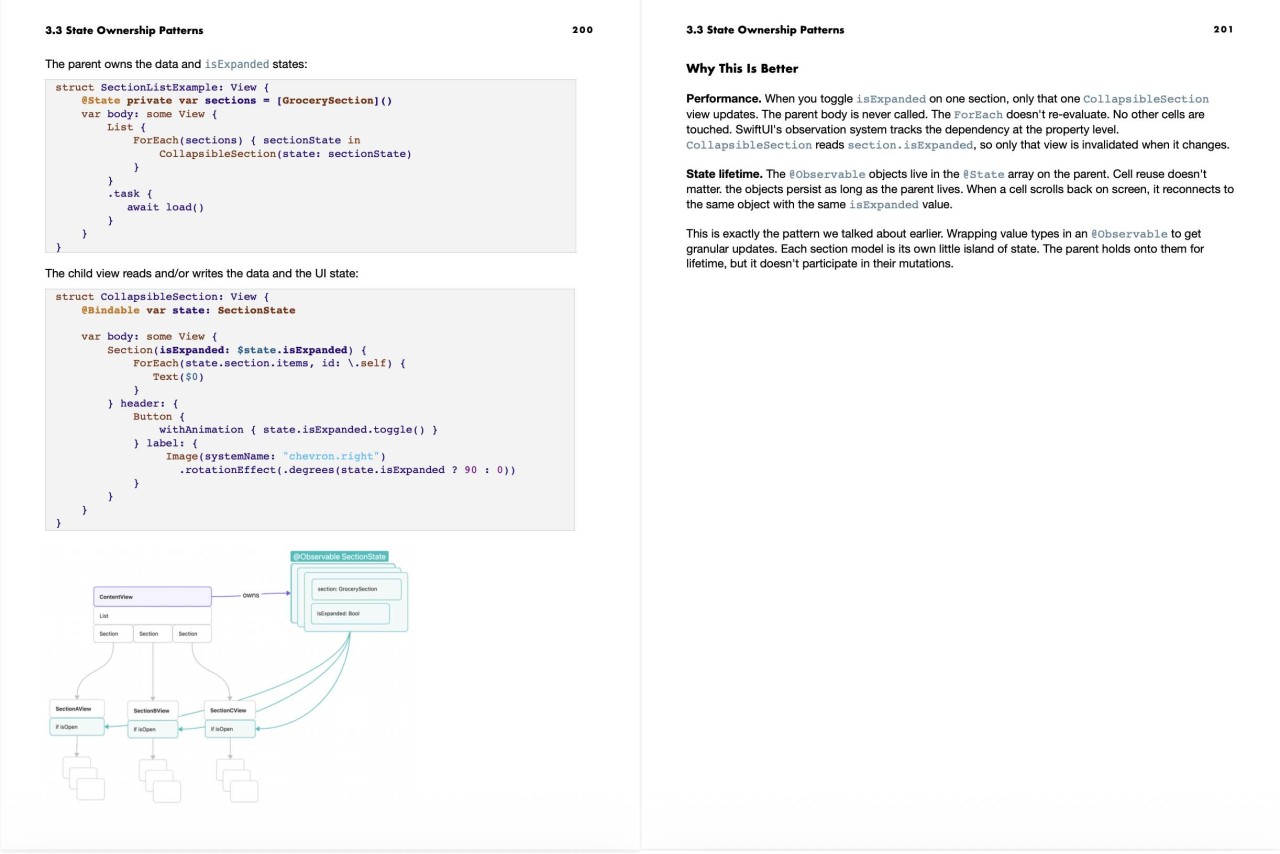
- Know exactly how SwiftUI decides what to render and when. So unexpected behavior stops being mysterious
- Be able to look at any state or data flow bug and identify the likely cause immediately
- Build async features that handle cancellation, race conditions, and loading states correctly
- Read a performance trace in Instruments and find the problem without guessing
- Write SwiftUI code you're not afraid to grow
- Understand SwiftUI data flow. Stop going in circles.

Karin Prater
I have a Ph.D. in physicist, during which I started to love software engineering. Since I am also passionate about learning I started to build my own learning app.
I am also very enthusiastic about design, which is a bit unusual for most physicists, I am putting a strong focus on the UI part. In my courses, you will jump right into the subject and learn to design by actually designing.
From my former teaching experiences, I know that learning by trying is the most fun. So I will encourage you to use the tools I am showing you directly in your own projects. May they be small or grant.
Get 30% Off
Expires September 30th 2026!
Code: SEPTEMBERRESET
Course Pricing
SwiftUI Handbook: Data Flow
-
Stop shipping fragile SwiftUI code. Start building apps that last.
-
- PDF and ePUB version — 7 chapters of deep, practical knowledge
- Working code samples — Every pattern, ready to run and experiment with
- Free updates
- You've built SwiftUI apps but struggle with complex state management
- You're tired of fixing bugs you don't understand
- You want to build production apps, not just tutorials
- You learn best by understanding why, not just how
- You value your time and want to skip months of trial and error
- You're brand new to SwiftUI (start with Apple's tutorials first)
- You want a cookbook of copy-paste solutions
- You're not willing to slow down and build a proper mental model
- You've tried to understand this stuff before and it didn't stick. This book builds the picture from the ground up, each chapter connecting to the next -
- You don't have a specific bug right now. Understanding this before you hit the wall is even better than understanding it after -
- You've been building SwiftUI apps for a while and think you know most of this. The chapters on view identity and lifetime methods alone will change how you debug
I know a ~300 page technical book is a commitment. In time and money.
But let's talk about what it's actually costing you to stay where you are.
Right now, you're spending days, sometimes weeks, on bugs that come down to not understanding how SwiftUI works. You're rewriting screens you already built. You're shipping code you don't fully trust. You're losing hours to Instruments sessions that go nowhere. That's not a skill problem. That's a missing information problem. And missing information has a price.
One bug that takes you three days instead of one hour. One screen rewrite that takes a week because the first version was built on a shaky foundation. One performance problem you can't diagnose so you ship it and hope.
This book costs less than a few hours of your time at whatever your hourly rate is. And it will save you far more than that on the first complex bug you hit after reading it.
- Complete book (PDF + ePub)
- All code samples
- Free lifetime updates
- 100% refund guarantee
How many hours have you lost to SwiftUI bugs you didn't understand? How many times have you refactored because you chose the wrong pattern? How much is your time worth?
This book costs less than an hour of your time. And it will save you dozens of hours. Maybe hundreds. Over the lifetime of your career.
> It's not just the hours you lose debugging.
> It's the features you don't build because you're stuck.
> It's the code you're ashamed to show your team.
> It's the quiet suspicion that maybe you're not as good as you should be by now.
Frequently Asked Questions
Is this for beginners?
No. You should already be comfortable building SwiftUI apps. If you're still learning the basics e.g. how views work, what modifiers are, how to navigate between screens, get comfortable with those first. This book picks up where the basics leave off.
How long will it take to read?
It's ~300 pages of dense technical content. It's not a weekend read. Most developers will work through it over a few weeks, going back to specific chapters when they hit relevant problems. Think of it as a reference you'll return to, not a book you read once and shelve.
Is this up to date with the latest SwiftUI?
Yes. The book covers current SwiftUI APIs and behavior. The foundational concepts e.g. rendering, identity, state ownership haven't changed since SwiftUI launched. The Xcode project files contain tests that demonstrate SwiftUI behavior and how to read the information. Most APIs I discuss in the book are tested for iOS 17,18 and 26.
Do I have to pay extra for future updates?
No. I will update this course in the future and you will have access to it without additional costs. You pay once and all future updates are included.
What if I've been building SwiftUI apps for years?
Most experienced SwiftUI developers have gaps in the foundational areas this book covers — because nobody taught them systematically. The chapters on view identity and lifetime methods in particular tend to be the ones experienced developers find most valuable.
What if I don't find it useful?
If you've read the book and don't feel like it was worth it, email me and I'll refund you. No hoops to jump through.

Reviews
5
Top Rated
James Purdy
SwiftUI Explained
Karin Prater has a fantastic ability to make complex systems feel clear and approachable. She builds practical mental models that are detailed enough to explain SwiftUI’s behavior and common pitfalls, while keeping the discussion focused and easy to follow. You could piece together some of this knowledge from LLMs, blog posts, experimentation, Apple’s documentation, and WWDC videos, but it would take enormous effort to assemble it into a similarly coherent whole. Prater provides a much more enjoyable and time-efficient path toward understanding what is happening behind the scenes in SwiftUI.
Dhruv Jaiswal
SwiftUI Bible
A must-read for every SwiftUI developer who wants to deeply understand how SwiftUI works and learn to work with the framework rather than against it.
Mark Day
Worth reading multiple times
I've only gotten through the first two chapters so far, and I have already learned some important things. When I first learned SwiftUI, @State, @Binding, @Observable, etc., seemed weird and clunky. Why not use Swift's ordinary means of passing state around? Well, now it makes a lot more sense. I was stuck thinking that the SwiftUI View types were the actual types responsible for rendering the UI and handling user interactions (alternatives to AppKit or UIKit). That was wrong, and it's literally the first thing this book addresses. It is finally starting to sink in that SwiftUI is just a description, a recipe, for building the real interface with AppKit or UIKit views. I've gone back and started to re-read from the beginning, and even more is sinking in the second (or third!) time. I appreciate the sample code projects. It is really helpful to try out changes and see how the behavior changes, as I'm reading. That helps me learn better than reading alone.
Edward Stanke
Essential For Developers Using SwiftUI
Based on the first four chapters, this is an essential reference. It unlocks the block box that is SwiftUI and makes the sometimes puzzling SwiftUI behavior understandable. In my opinion, every developer using SwiftUI should have this book. I commend Karin Prater for her hard work and diligence in digging into the sparsly documented details of SwiftUI to bring real understanding to how it works.
Rate this course